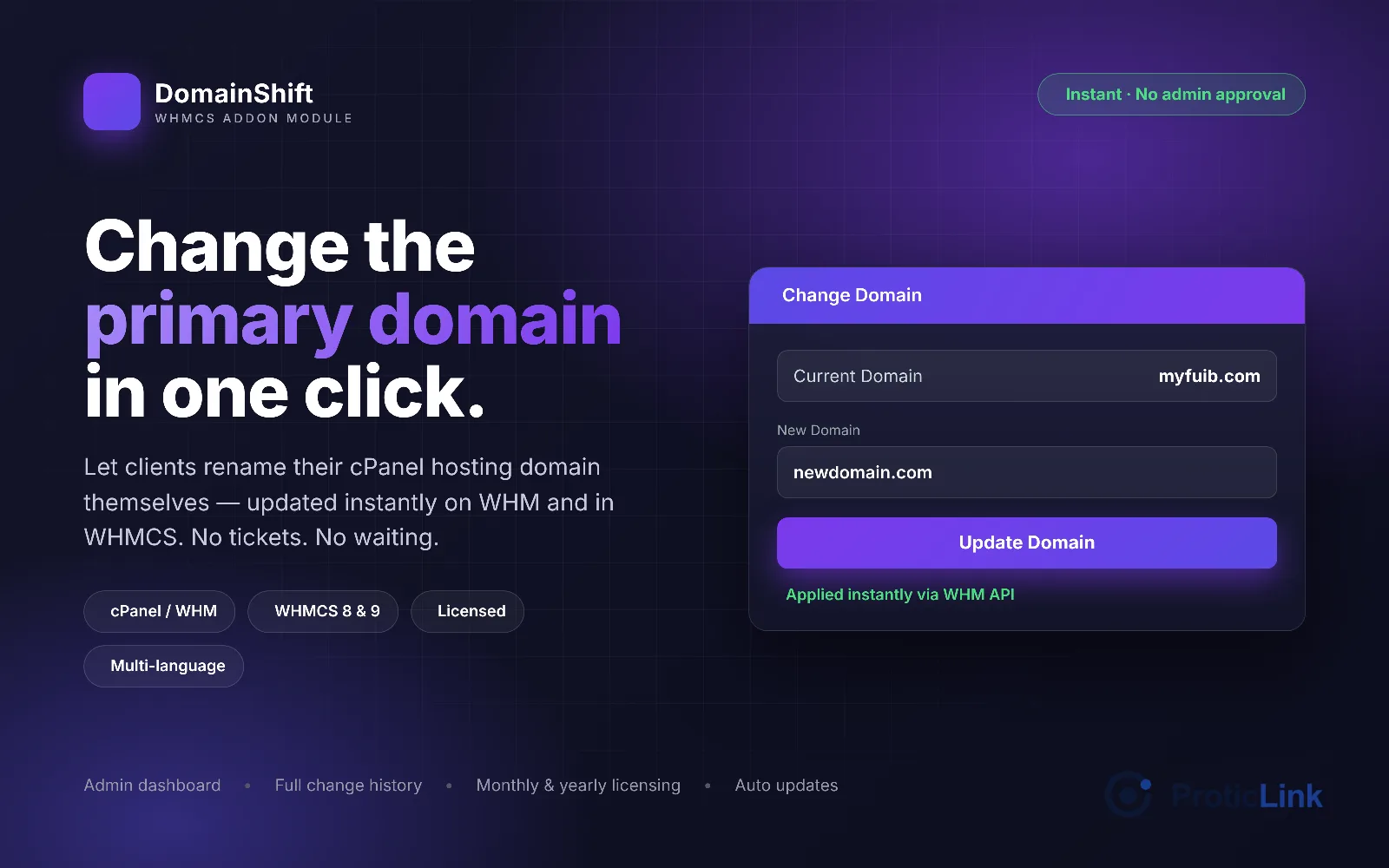
Change the primary domain in one click
To get it follow this link
https://proticlink.com/go/abZbhcy
DomainShift adds a Change Domain button to every active cPanel service in your clients' area. Your client types the new domain, confirms, and DomainShift changes it instantly on the WHM server and in WHMCS — no admin approval, no support ticket, no manual work for your team.
Key features
Instant domain change — updates the cPanel account (WHM modifyacct) and the WHMCS service together, in one step.
Simple client page — shows the current domain and service ID, with a single box for the new domain.
Smart safety checks — rejects invalid domains, the current domain, domains already used by another WHMCS service, and domains already hosted on the server.
Admin dashboard — totals for completed, failed and pending changes, plus the most recent activity.
Full change history — every change logged with old domain, new domain, status, date and who made it, with search, filters and one-click retry on failures.
Admins can change any domain directly from the admin area.
Limits you control — optional waiting time between changes and a maximum number of changes per service.
Email notifications for clients and admins.
Multi-language — English, French and Spanish included; clients see their own WHMCS language, and you can add more.
Built-in licensing & auto update checks.
How it works
The client opens Change Domain from their hosting service.
They enter the new domain and confirm.
DomainShift checks the domain, changes it on WHM, then updates WHMCS.
A success message appears and the client is emailed. Done in seconds.
Requirements
WHMCS 8.0 or later (including 9.x)
cPanel/WHM server(s) configured in WHMCS
PHP 7.2 or later with the ionCube Loader
Clients should point the new domain's DNS to your nameservers. Email on the old domain stops working, and a free SSL certificate is issued automatically (AutoSSL) once DNS points to the server.