

Accept cards, iDEAL, Bancontact, SEPA, Klarna, Apple Pay and more on your Courier Pro website through Mollie's secure hosted checkout. Upload, enter your licence key, activate, then add your Mollie API key. Every payment is confirmed with Mollie. Requires Courier Pro 1.1.0 or newer.
Mollie payments for your courier website
This plugin adds Mollie as an online payment gateway to Courier Pro. Customers pay shipments on Mollie's secure hosted checkout with the methods your Mollie account offers: cards, iDEAL, Bancontact, SEPA, Klarna, Apple Pay, PayPal and more. They then come straight back to your website.
Features
- Mollie hosted checkout: card details never touch your website
- Every payment is confirmed with Mollie's API before a shipment is marked paid, and only when the amount and currency match
- Webhook is set up automatically for each payment, with no extra configuration
- Test mode with
test_keys and live mode withlive_keys - Your own display name and logo, charge currency, exchange rate, fees (fixed or percentage) and smallest or largest amount
- Works with Courier Pro's payment links, invoices, receipts and payment emails
Safe plugin system
- Signed by TunLabs: Courier Pro only installs signed plugins
- Its own licence key, checked with the licence server and stored encrypted
- Upload new versions with automatic backup and one-click roll back
- If a plugin ever fails to load, it is switched off automatically and your website keeps working
How it works
- Appearance → Plugins → Upload plugin → choose the ZIP
- Enter your licence key and click Activate
- Payments → Online gateways → Mollie → Set up: paste your API key and switch it on
Requires Courier Pro 1.1.0 or newer and a Mollie account. This is a plugin, not a standalone script.
- Framework
- Laravel
- Language
- PHP, JavaScript
- Frontend
- Tailwind CSS, HTML5
- Database
- MySQL
- Product type
- Plugin
- Latest version
- v1.0.0
Compatible with
- Any website running Courier Pro 1.1.0 or newer
- Shared hosting (cPanel, DirectAdmin), VPS and dedicated servers
Server requirements
- Courier Pro 1.1.0 or newer
- PHP cURL and Zip extensions
- HTTPS recommended (required by Mollie for live payments)
- A Mollie account (mollie.com)
Installation
- In your Courier Pro admin, open Appearance → Plugins and click Upload plugin.
- Choose
mollie-1.0.0.zip. Every check runs, then click Install plugin. - On the plugin page, enter your licence key, then click Activate.
- Open Payments → Online gateways → Mollie → Set up, paste your API key (test key first), try a payment, then switch to live.
v1.0.0 · Latest
Released Oct 5, 2026
1.0.0
- First release
0.0
0.0
(0)
- 5 0
- 4 0
- 3 0
- 2 0
- 1 0
Sign in to review a product you bought.
No reviews yet
Bought it? Be the first to share how it went.
Sign in to ask a question about this product.
No questions yet
Wondering about requirements, licensing or support? Ask away.
More in Logistics & Courier


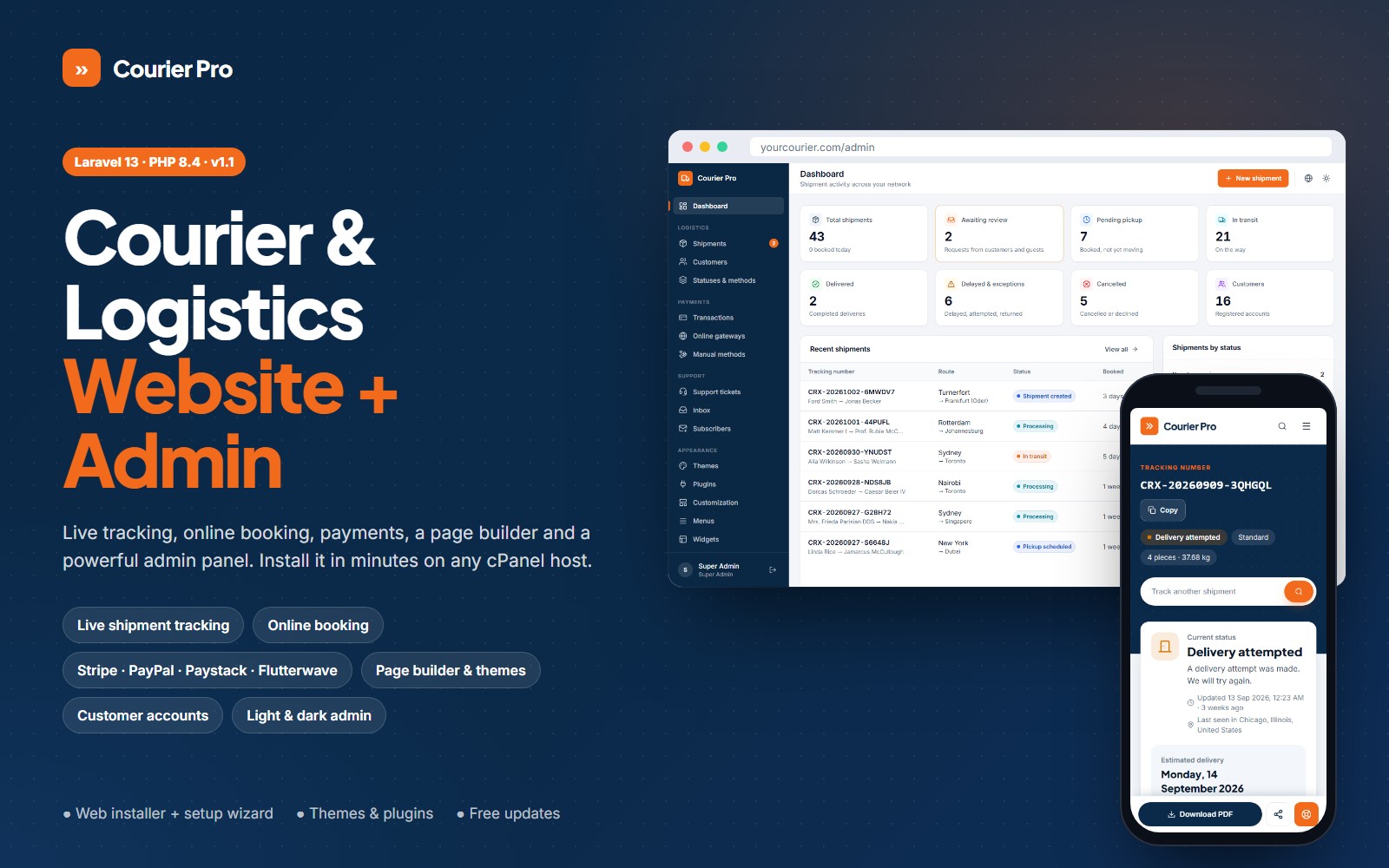
Logistics & Courier
Courier Pro - Courier, Cargo & Logistics Website with Tracking, Booking and Admin Panel
$49.99
$69.00